

Private by design
Your browser reads your media and creates the download on this device.
Choose the part you want to keep, then preview your clip.
Free. No ads. No uploads.
Drop a file here · MP4, MOV or WebM · Up to 1 GB / 30 min
Open a video stored on your device.
Drag the handles or enter the exact times.
Check your selection and download the clip.
Your browser reads your media and creates the download on this device.
Edit, preview and save your file without an account or a watermark.
Work from the first frame through to the final download without ads.
Start just before you click the button that triggers the crash. End after the error appears so the person reading your ticket can pause on the message.
Leave in the pass before the shot and the scoreboard just after it. Play the selection once to make sure the ball is still in frame when it crosses the line.
If the minutes point to 14:32, listen from a few seconds earlier. Start with the question and keep the full reply so the quote makes sense on its own.
Yes. You can select, trim, preview and download your video without paying, creating an account or adding a watermark. Device and file limits still apply.
No. The selected video is read and processed on your device. The website loads its app files normally, but your video is not sent to a processing server.
This version creates a new MP4 and re-encodes the selected video. Re-encoding can change quality. Use the high quality setting, preview the result and keep your original file.
Drag the two timeline handles or enter start and end times. Preview the selection before exporting. Video boundaries are aligned to the frames available in your source file.
Yes. For twenty seconds starting two minutes and fifteen seconds into the recording, enter 02:15 and 02:35. Both fields refer to positions in the original. An end time of 00:20 would fall before your chosen start.
Export each moment from the original with the trimmer, saving both files. Then add them to Merge Videos in viewing order. Preview the transition before sharing, especially when both clips show the same person in a similar position and an accidental repeat can be hard to spot.
Video consists of individual frames. A time can fall between two of them, and the exported clip can only show frames that exist in the recording. Preview the first movement and the last visible image. If a detail matters, move the boundary a little and check the result again.
Start playback a moment before the sentence and listen for the intake of breath or the first consonant. Place the start just before that sound. At the other end, leave the last syllable enough time to finish, particularly if the speaker lowers their voice at the end of a sentence.
First listen to the same interval in the original. A recording may begin with a silent title card or carry speech on a different audio track. If the tool lists several tracks, select the one you need and enable audio before exporting the interval again.
You can adjust the range and export another copy while the source is available. To extend a highlight beyond its saved beginning or end later, reopen the original recording. Frames outside the saved range are absent from the shorter file, so keep your source when further revisions are likely.
Look for a visible result such as a confirmation message, a completed movement, or a changed setting. Let the viewer see it before ending the selection. For a short excerpt, a clear outcome often provides a better ending than the moment the presenter stops speaking.
Trim away material the recipient does not need and check the downloaded size. If the essential excerpt still exceeds the limit, open it in the video compressor and choose a smaller target. Play that copy once more to make sure important text and faces remain readable.
The file you open must fit the input limits of 30 minutes and 1 GB, even if you only want 15 seconds. If your recorder saved the session in parts, open the part containing the moment you need. For a single long recording, first make a shorter source copy in an editor that can open it.
Your transcript and video may start at different moments. Check one distinctive phrase near the beginning. If the transcript puts it at 01:10 and you hear it at 01:16, look about six seconds later for your next quote. Listen around the second marker too, especially if the recording includes a break.
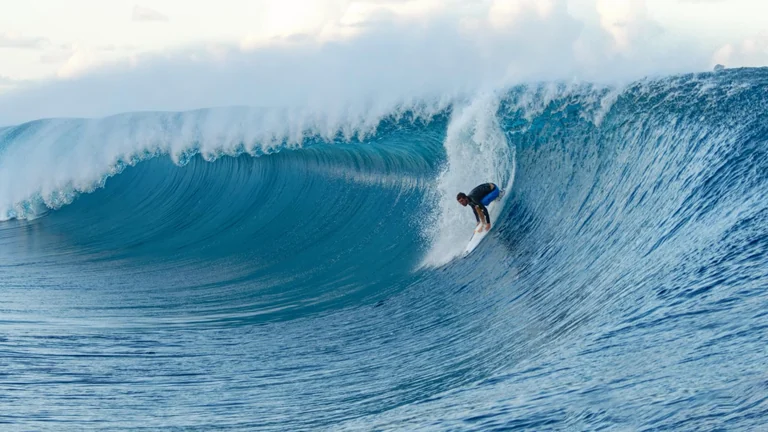
Open the surfing sample, enter 00:02 for the start and 00:05 for the end, then preview the wave. In Chrome, that selection from the 12-second video produced a 3.008-second MP4 with sound. Open the download and compare the board’s position with the selection you saw in the browser.